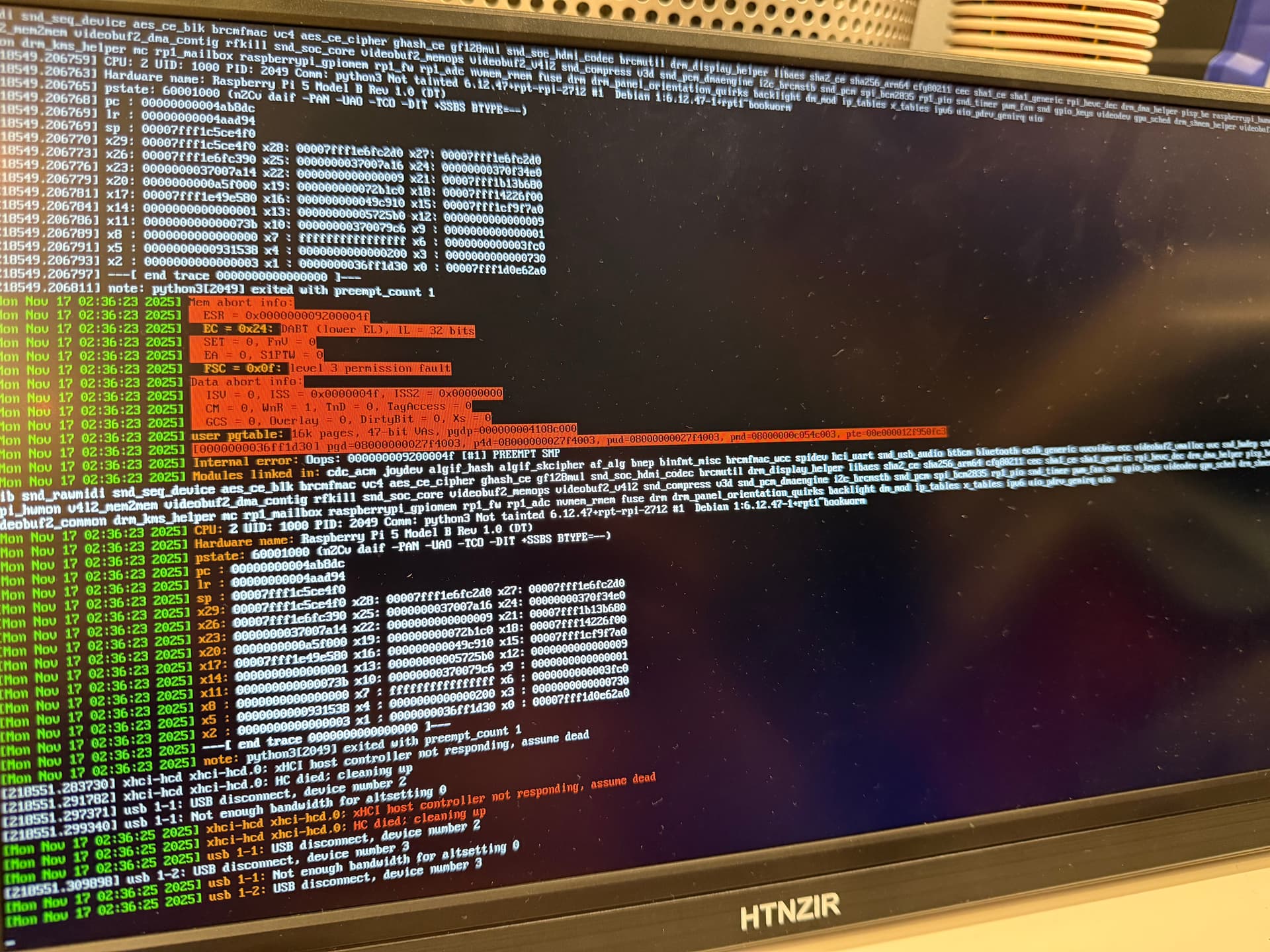
Hi,
I know it is overkill, using a RPi 5 with NVME, but I had it lying around, so I started using it.
Not much of a speed advantage, except for sending GCODE files, they appear a lot quicker in the file list.
But I do have another weird issue.
OctoPrint/RPi seems to randomly freeze (sometimes multiple times a day, sometimes after 3 days) when using an NVME drive with an Argon Neo 5 M.2 case with a compatible NVME drive.
To rule out anything else, I cloned the NVME to a USB drive and that has been working just fine for over 2 weeks now.
Also checked loads for CPU, RAM, Swap, storage, thermals, etc, but nothing stood out. It happened a couple of times during a print, but it also happens when it is sitting idle for hours/days.
The freeze also disconnects from wired network, so unable to remote in, but when I connected a display, it just showed a login prompt on screen when it froze. But it didn't respond to any key-presses.
Also replaced the power adapter for a beefier one, no difference, and the RPi doesn't ever report power issues.
Use the same setup for multiple RPi's running all sort of tasks, like Home Assistant at multiple locations, etc and they don't seem to have this issue.
Could be a faulty hat of course, but I would expect some sort of storage issue before it freezes.
Anyone else experience something like this or know how to troubleshoot this.