Camera model
Inland RaspberryPi Camera v1.3
What is the problem?
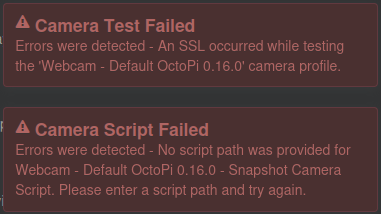
During my setup of Octolapse. I'm trying to test the webcams snapshot and I keep getting "Errors were detected - An SSLwhile testing the webcam..." error message.
What did you already try to solve it?
I checked the Webcam Setup for Octolapse and looked the troubleshoot guide (V0.4 Troubleshooting Camera Webcam Issues · FormerLurker/Octolapse Wiki · GitHub)
Every guide keeps referring to having your snapshot be https://[IP_Address]:8080/?action=snapshot
But my snapshot URL address is https://[IP_Address]/webcam/snapshot and that address is proven to work.
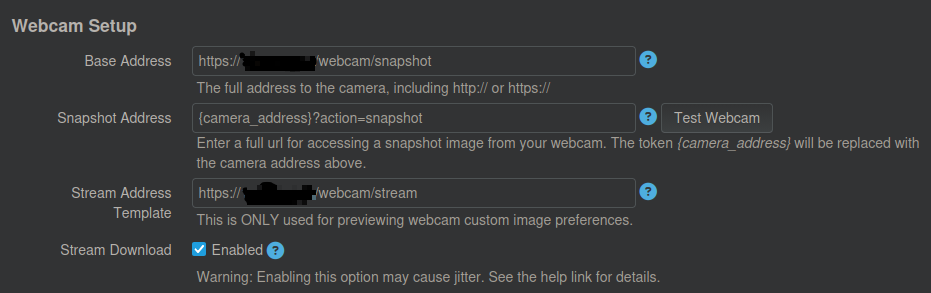
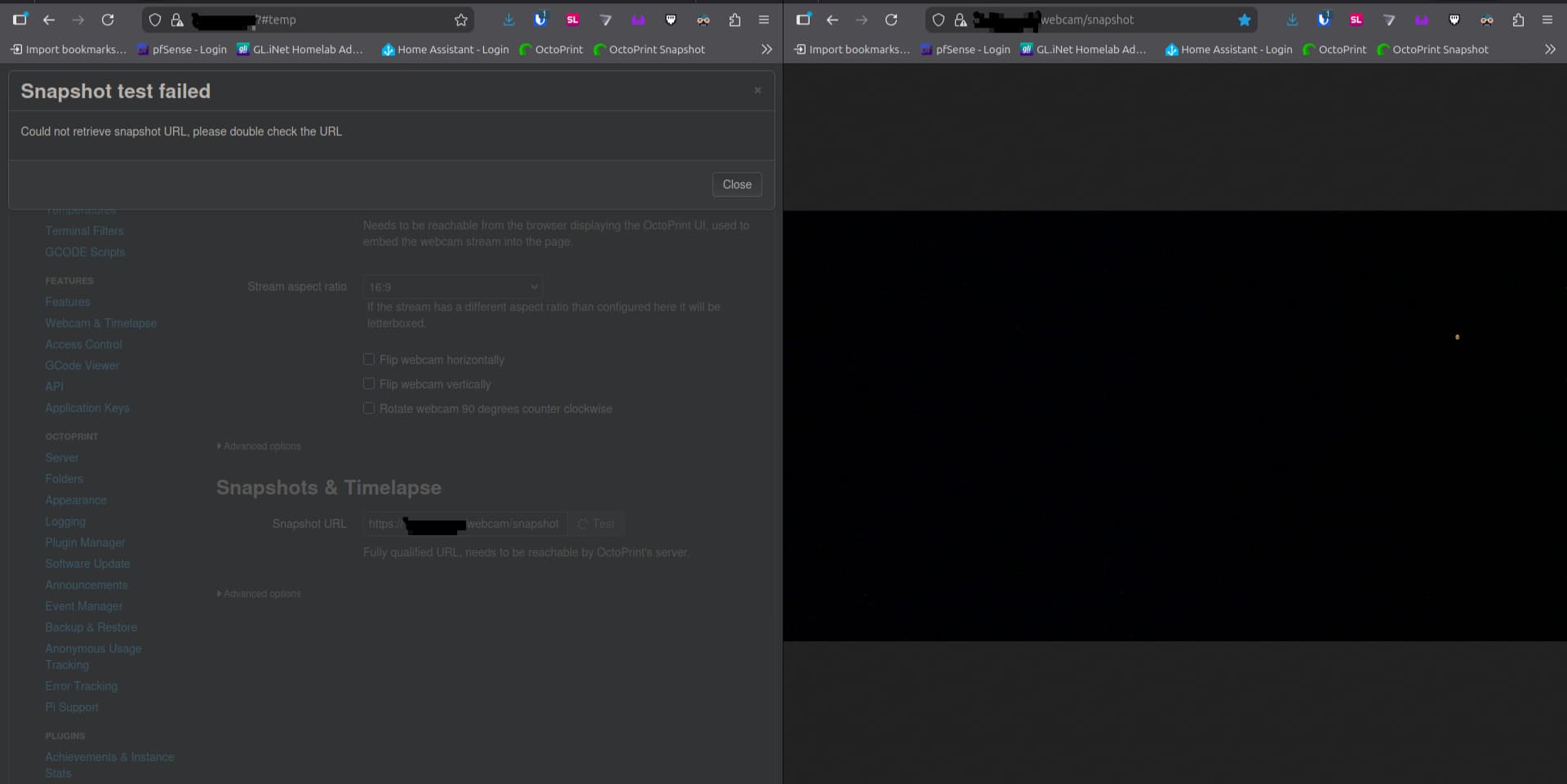
I've tried putting my snapshot URL address https://[IP_Address]/webcam/snapshot into the place where is "Enter a full url for accessing a snapshot image from your webcam." But I keep getting the same error message.
Have you tried running in safe mode?
Yes
Did running in safe mode solve the problem?
I get the same results
Systeminfo Bundle
You can download this in OctoPrint's System Information dialog ... no bundle, no support!)
octoprint-systeminfo-20260226060811.zip (22.6 KB)
Additional information about your setup
OctoPrint version, OctoPi version, printer, firmware, browser, operating system, ... as much data as possible
OctoPrint version - 1.11.7, OctoPi version - 1.1.0, Browser - Firefox, OS - Linux Mint 22.3, Python - 3.12.2