What is the problem? Re-installed Octoprint on my RP400, Octopi 1.1.0 with OctoPrint 1.11.5. Cannot connect from my W10 computer, Chrome browser with "octopi.local"
What did you already try to solve it?
Using my RP, I can connect to the internet. And using my router, I can see the RP at 192.168.1.35, this is showing both Wired and wireless connections on the same port. Is this the problem?
If you access the web interface by ip does it load OctoPrint? The name resolution is based on mDNS/bonjour and that communication could be blocked or not broadcasting correctly on your network. I have seen that when using pihole as a local DNS server for example. In the past on older windows machines it was necessary to install the bonjour printing service from apple for it to work at all.
hostname: octopi. Cannot connect with browsers [chrome, edge, firefox]. I can connect with Putty at 192.168.1.35, but not with the browsers. I am trying to learn about mDNS/bonjour and how it works/doesn't work. I was hoping that I could just plug everything in and it would work. I am at a complete loss as to what to do.
It would be strange to not work loading via IP address unless it wasn't running, but that would give an error from haproxy that it's not running. Just to verify, what is the output of the following commands?
sudo service octoprint status
sudo service haproxy status
Also, try in an incognito/inProvate mode of your browser.
You aren't running a VPN on the connecting machine are you?
Please provide some details on your Local Area Network (LAN) setup. The router make and model. Wireless or wired for both the RP400 and the Windows system?
The output (use the </> pre-formatted text tool) of ipconfig on the Windows system and ifconfig on the RP400.
Some Wireless routers (or access points) have a setting that each wireless client can see the internet but can't see each other. Your router should have a web interface where you can change this setting.
If your WiFi router is provided by your ISP, they should be able to help you if you can't figure it out.
ok, that's strange. both those services are in an octopi image. you ran those from the pi 400 running OctoPrint right? your system info bundle also doesn't seem to indicate any startup errors with OctoPrint whatsoever.
I was having the same issues on a Raspberry Pi 1 B+. I hadn't updated in forever and decided just to make a new image from the latest OctoPi. After fresh install, I could ssh into the Pi but I couldn't access octoprint through the web. I ended up having to install an older version of OctoPi in order to get everything working.
Recommended hardware: Raspberry Pi 3B, 3B+, 4B or Zero 2. Expect print artifacts and long loading times with other options, especially when adding a webcam or installing third party plugins. Setups not using recommended hardware are not officially supported.
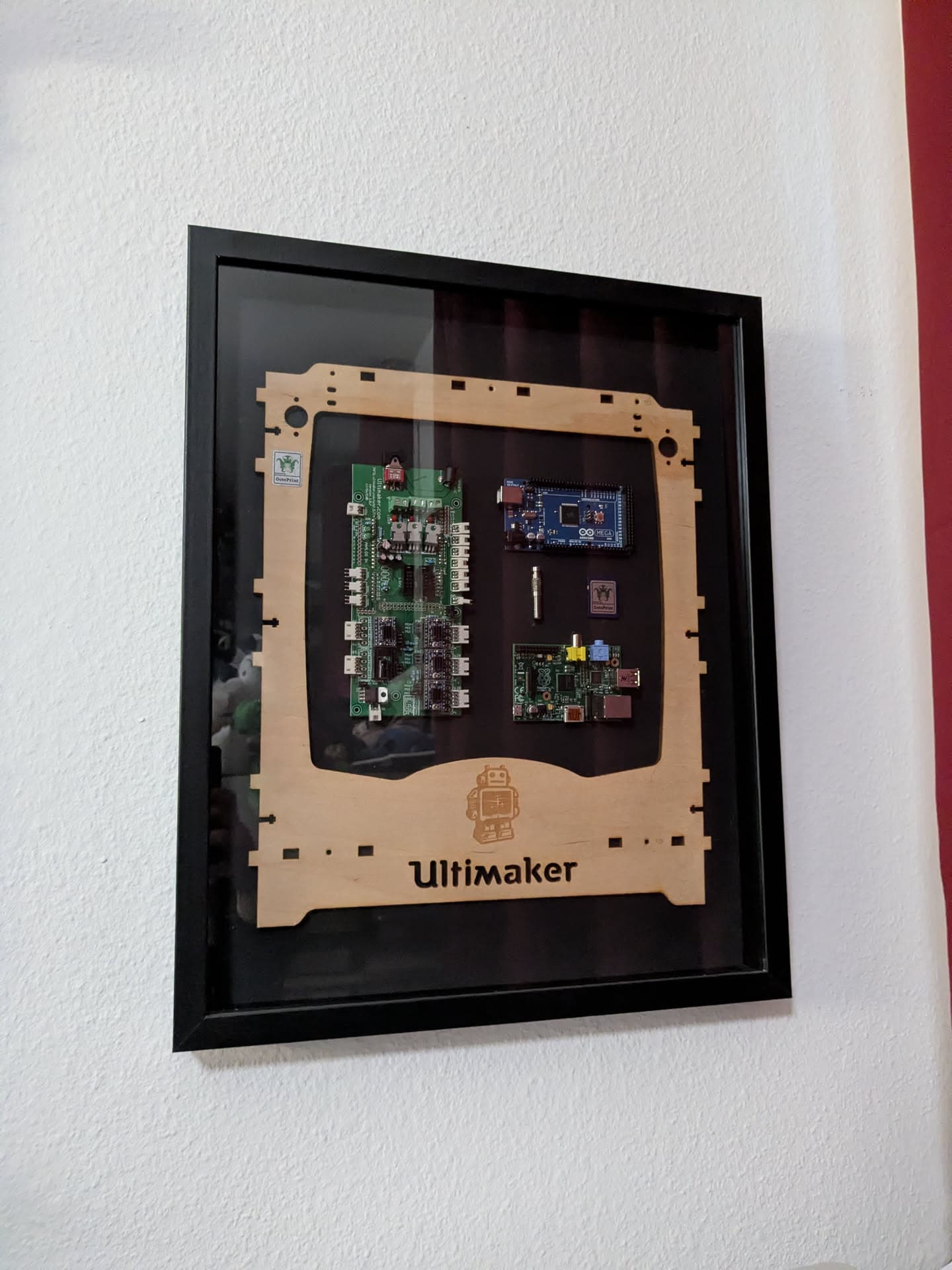
"Never" is a bit too strong of a word here, given I still have the original one everything OctoPrint started with mounted in my office, along the front plate of the Ultimaker Classic that was my first printer for which I started this project
eth0: flags=4163<UP,BROADCAST,RUNNING,MULTICAST> mtu 1500
inet 192.168.1.9 netmask 255.255.255.0 broadcast 192.168.1.255

wlan0: flags=4163<UP,BROADCAST,RUNNING,MULTICAST> mtu 1500
inet 192.168.1.35 netmask 255.255.255.0 broadcast 192.168.1.255
With both eth0 and wlan0 active, I'm going to guess that the router and clients in your LAN are confused. I suggest that you disconnect the ethernet cable, reboot everybody and then let's see if things work better.
If you prefer to use a wired connection, then you will need to edit /boot/firmware/config.txt and add dtoverlay=disable-wifi. See this link for details.
Let's gather a bit more information as well. On Windows, route PRINT -4 and nslookup. On the RP400, route and sudo resolvconf --list (if that command isn't found, sudo apt install dnsutils,resolvconf).