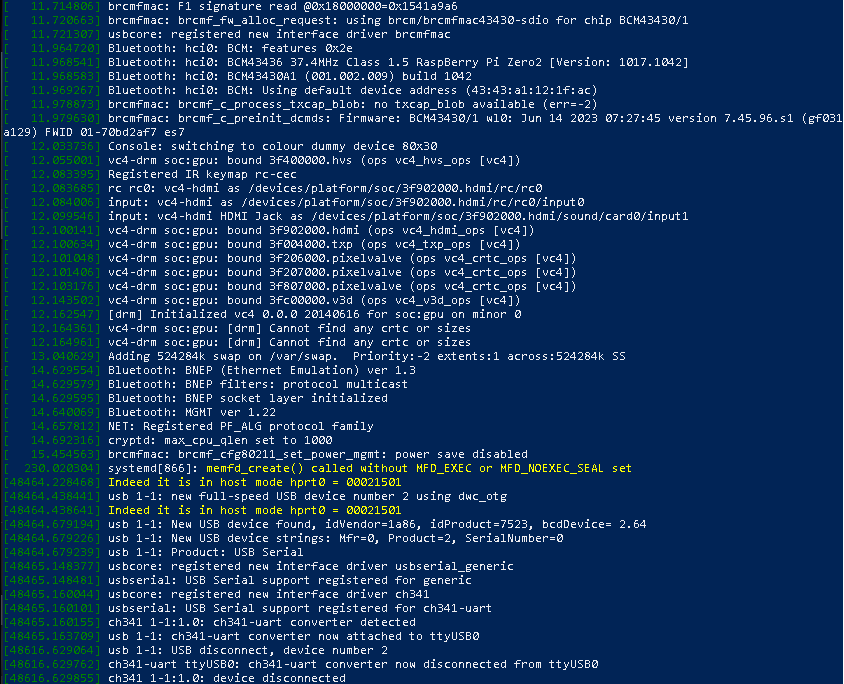
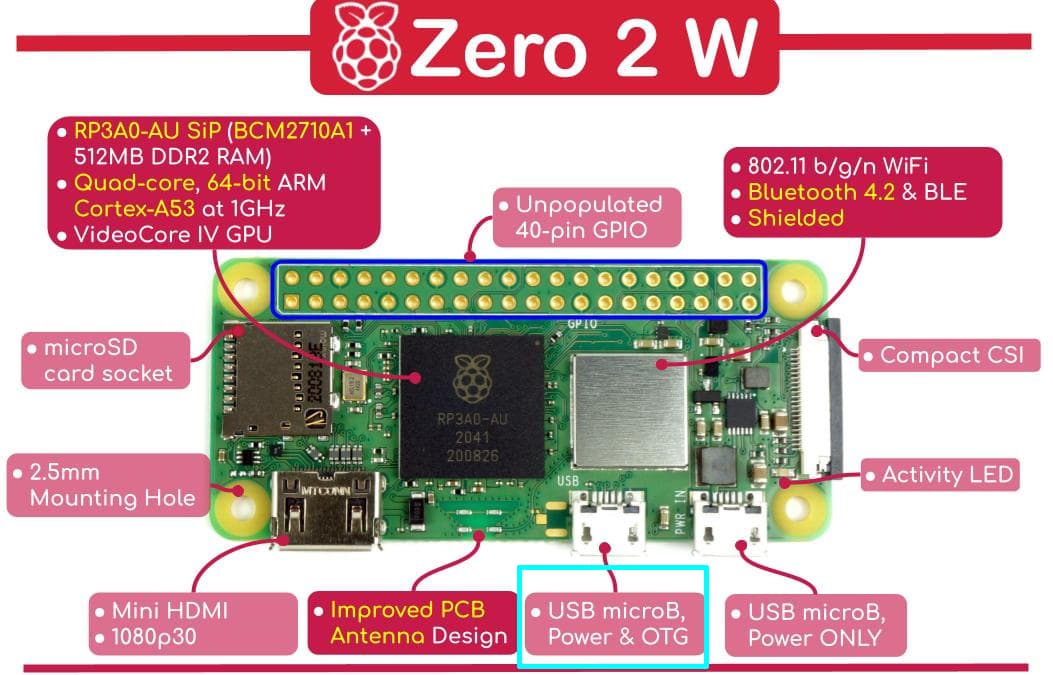
What is the problem?
Brand spanking new Raspberry Pi Zero 2 W and fresh install of OctoPrint, but my printer's serial port is not detected.
What did you already try to solve it?
Followed the guide in the FAQ that OctoPrint linked. Swapped out three different cables. Ensured that the cables are data-transfer. Ran dmesg. Unplugged everything, powered on Pi and printer separately and then once they were running connected the Pi to the printer. All nothing.
Have you tried running in safe mode?
Yes.
Did running in safe mode solve the problem?
No.
Systeminfo Bundle
You can download this in OctoPrint's System Information dialog ... no bundle, no support!)
octoprint-systeminfo-20260123171722.zip (29.0 KB)
Additional information about your setup
OctoPrint version, OctoPi version, printer, firmware, browser, operating system, ... as much data as possible
- OctoPrint 1.11.5
- Python 3.11.2
- OctoPi* 1.1.0 (build 2025.12.01.130812)
- Ender 3 V2 Firmware version 4.2.2
- Windows 10
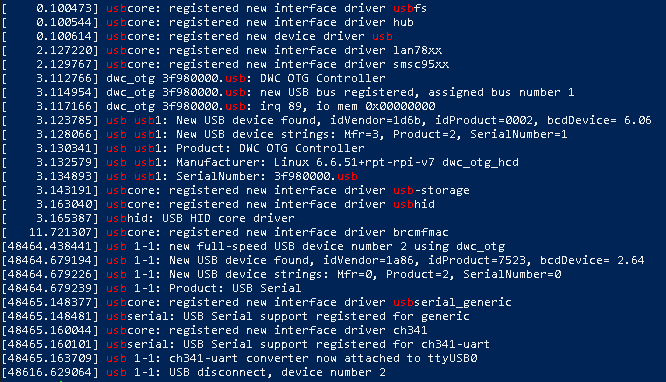
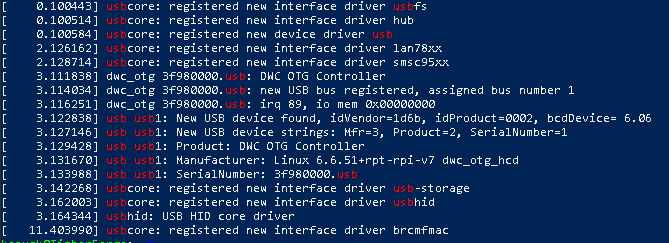
Hello @KanuckStreams !
As for the OctoPrint log, it appears that there is a serial(USB) port.
Have you connected the printer to the correct USB port on the Pi Zero?
Okay, so updates happened while I was waiting for this post to get approved. And hoh boy is it a roller coaster.
First, in response to the reply from @Ewald_Ikemann , yes I plugged the printer into the one you have highlighted, and also covered the 5V power lead to prevent the board from trying to use that cable for power and killing itself. The "Power Only" port is plugged into a power supply provided along with the RaPi kit from CanaKit.
I was rooting through my bits bin and found another A-to-micro cable that I hadn't tested, so I tried that one. LO AND BEHOLD! We have connection! All is well!
I ran my e-steps calibrations, and ran through a first layer test. Deciding that the e-steps had been fixed properly and the first layer was smooth and flat, I loaded up a print file to~ and the printer lost connection again.
THIS TIME, however, it was a different loss of connection.
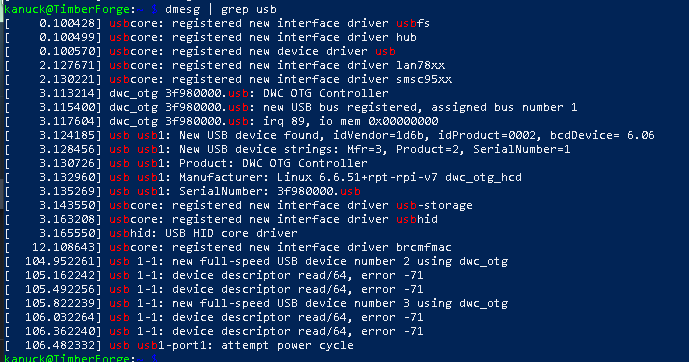
I hadn't gotten the "device descriptor read/64, error -71" at any time previously. And if I disconnected the printer from the RaPi 02W, it would display
Did you tape the 5v pin on the new working cable?
Indeed I did, masking tape across the 5v pin, even double-checked to make sure it was the right (far right, looking at the male side, pins facing up) pin too.
I have confirmed that the cable I have is still working, does data, and is not damaged. I plugged a controller into it (removing the 5V tape temporarily. I am replacing the tape as we speak) and connected it to my PC, everything worked. So as far as I can tell, the error originated either from Octoprint, or from the printer itself.
Issue has been solved (I think). Cause apparently was the micro-to-USB Female OTG cable that came with the kit deciding to not be a team player anymore. Luckily I had a spare, and things seem to be working again.
Great you found a solution.
BTW: There is no need to put a [solved] to the topic. The check mark is sufficient. Thank you.