Unable to connect to wifi after updating Octopi

What is the problem?

I am unable to connect to my wifi router after updating octopi to a new version, but octopi is able to connect to my phone hotspot with the same SSID/password as what would be in the router. (Either one is turned on or the other, they are not operating at the same time with the same SSID.)

What did you already try to solve it?

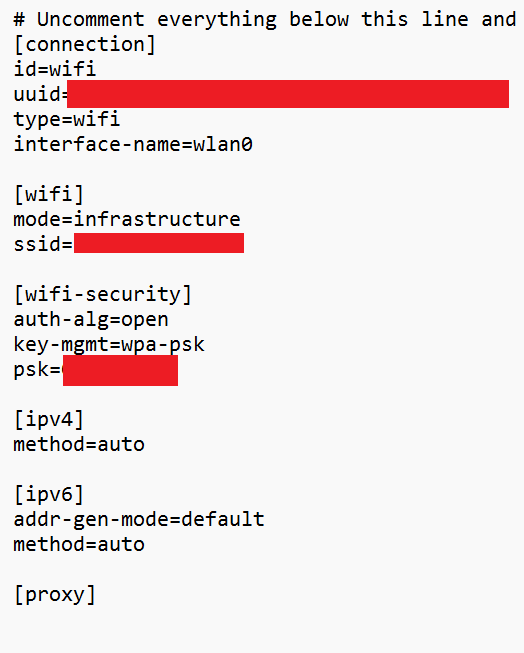
editing wifi.nmconnection, Installing older octopi versions, installing with older Raspberry imager, changing wifi name in router.

Have you tried running in safe mode?

no

Did running in safe mode solve the problem?

N/A

Systeminfo Bundle

octoprint-systeminfo-20260222193416.zip (17.4 KB)

Additional information about your setup

Hardware you are trying to connect to, hardware you are trying to connect from, router, access point, used operating systems, ... as much data as possible

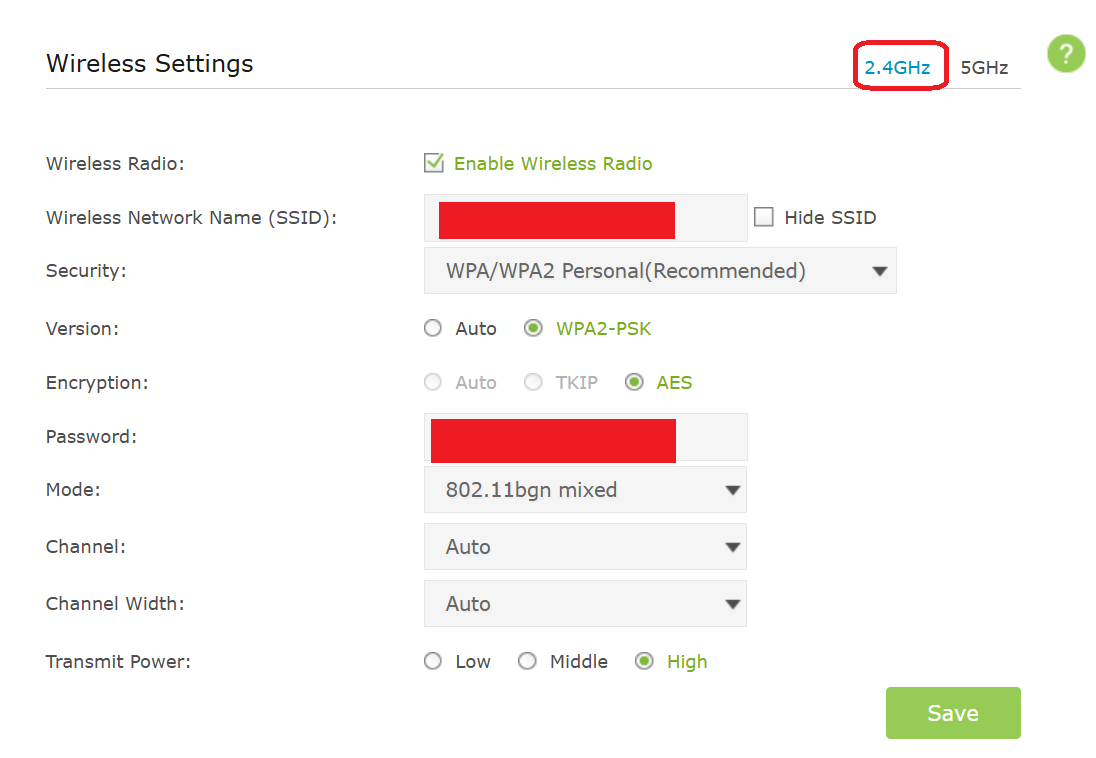
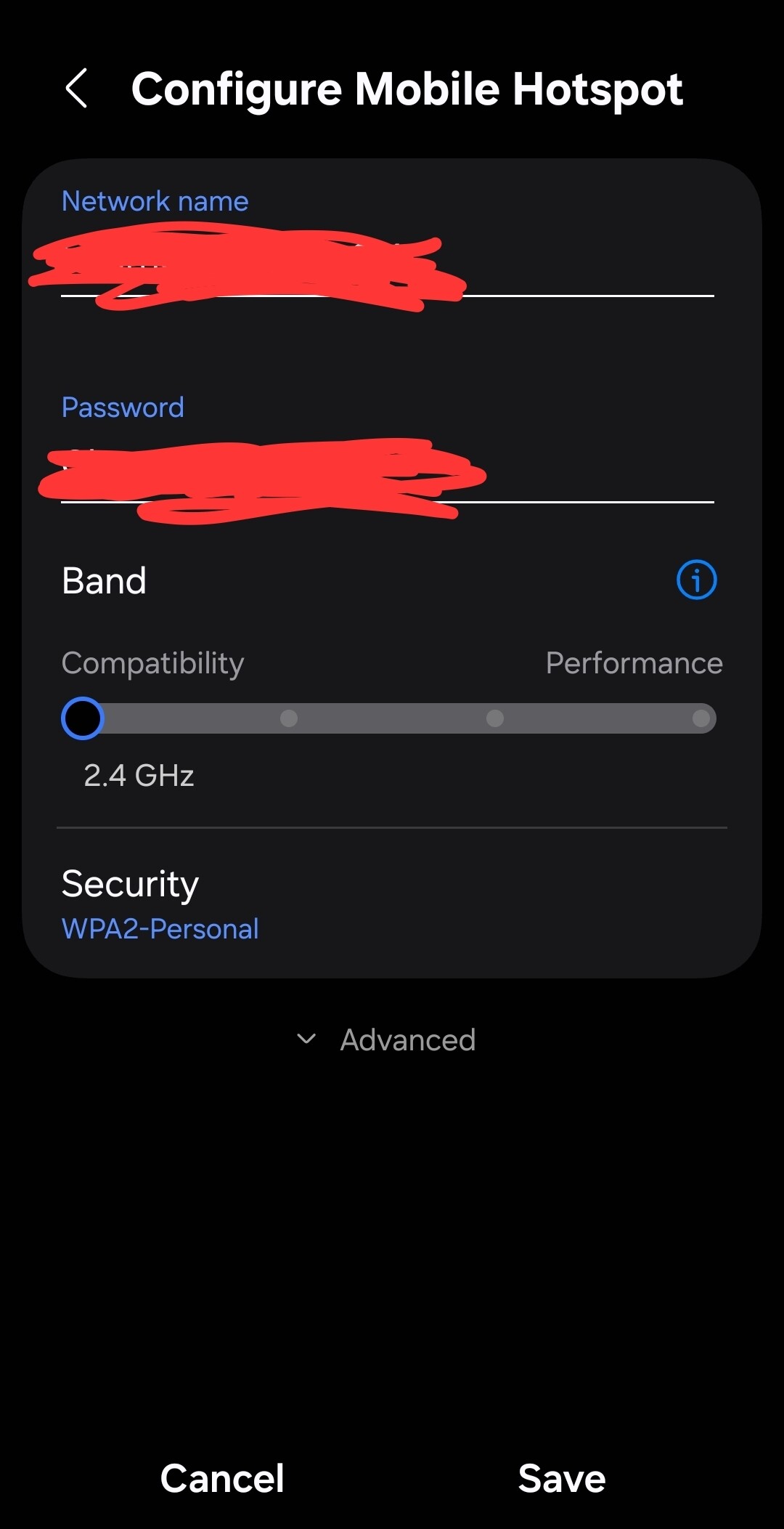
Headless Pi zero 2 w, Archer C50 router. I am able to connect when on phone hotspot but not when using home router. wpa2 security on both, both are 2.4 Ghz

Home Router
Phone Hotspot, Broadcast channel is on Auto
Wifi.nmconnection
Hello @seak_48825 !

Have you made the WiFi settings within the Raspberry Pi Imager?

I have an RPI Zero 2W and I get the following:

pi@rpizero2:~ $ sudo iwlist wlan0 auth
wlan0     Authentication capabilities :
                WPA
                WPA2
                CIPHER-TKIP
                CIPHER-CCMP

Your router settings shows the encryption as AES. Could this be causing the issue?

I have an Archer AX50 and my encryption is set to Auto.

In the following, I don't see a need to obfuscate the SSIDs (but yes for the passwords).

What is the output of sudo iwlist wlan0 scan | grep -e ESSID (use the </> tool to enclose the results)?
Does the RPi see your router (and your phone)? If so, do the scan again without the grep and post the output of just your router.

What is the output of the following two commands? For the second command, the last line should be psk= and an encrypted string. You can leave that off.

ls -l /etc/NetworkManager/system-connections/
sudo cat /etc/NetworkManager/system-connections/preconfigured.nmconnection