BZguy, just build a 2nd printer profile inside cura. It is cake!
hi.in cura 4.3 the checking the API key... is not finishing never to connect with octoprint. any idea what to do and where,a step by step information,i'm new to this kind . thanks.
Have you tried the “Request” button?
in this version is not available this button. i replaced the 80 with 3344 in the address ,i read this in other topic,but not working.
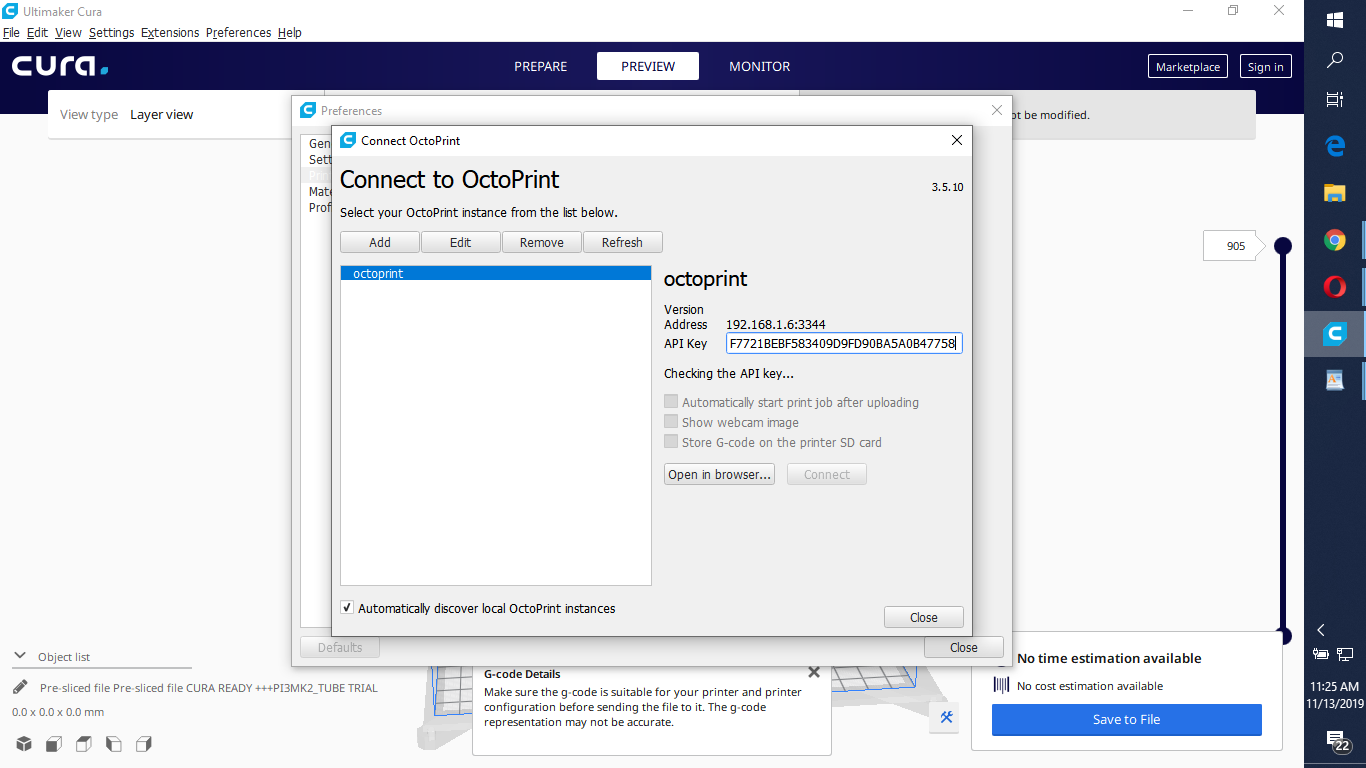
Can you post a link to your Cura.log? See Help->Show configuration folder
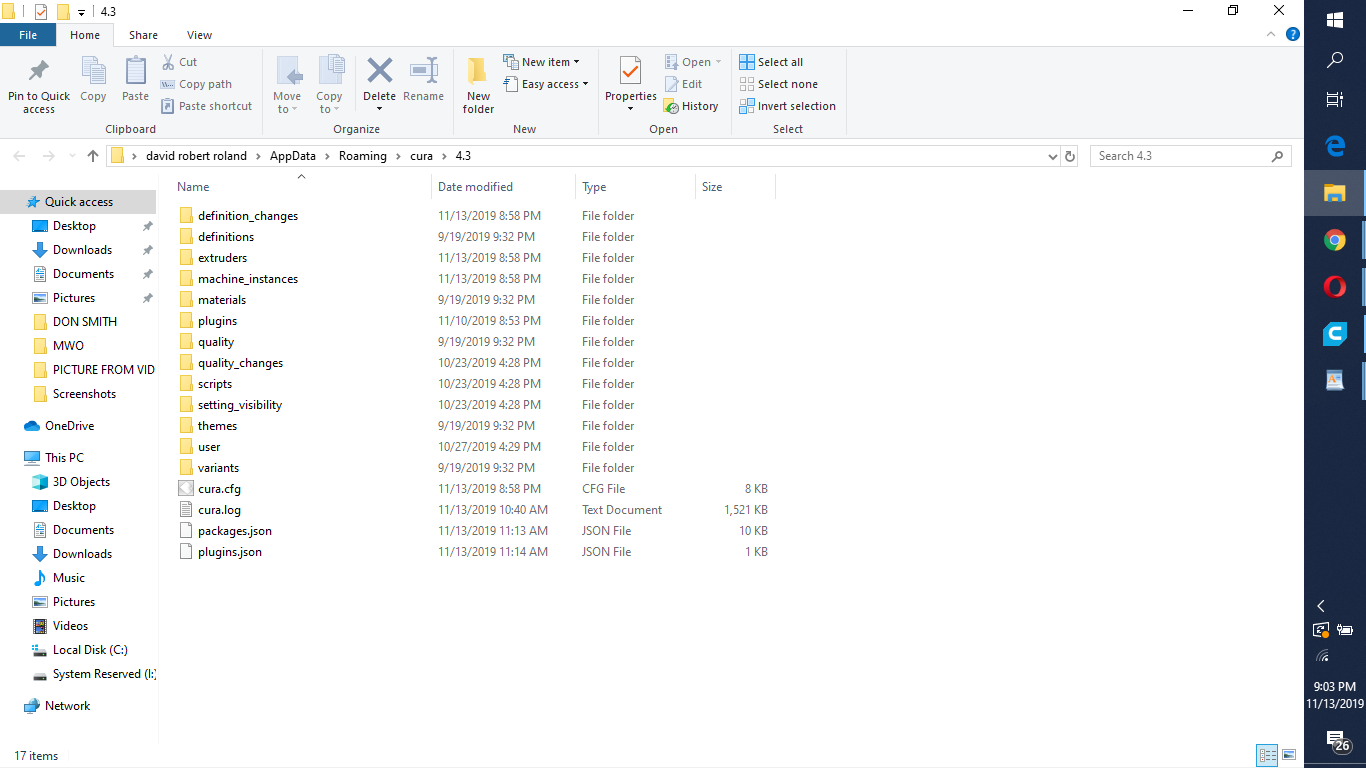
cura.log (1.6 MB) . i try it with port 5000 what a friend suggested in a other threat and still nothing.
It seems like the OctoPrint plugin is having a hard time accessing your printer with https. Could you try with a normal http port?
What sort of certificate are you using on https://192.168.1.6:3344/ ?
I must admit it has been a while since I last tried using ssl with the plugin.
For what it's worth, the default SSL port is 443 rather than 3344.
If you use port 5000, make sure to unset the "use https" checkbox. Port 5000 is the "native" octoprint server port and it should be used with http, not https.
And if you are using OctoPi (which you haven't specified but is the most common form) it'll have to be 80 because 5000 is not open on the network.
In general I'd advise you @roland78 to be a bit more forthcoming about your setup here because right now it's pretty much impossible to help you considering that we no pretty much nothing but "can't connect from Cura". To what version. How installed. On which kind of network setup. Etc etc. Information. We need it.
[REDACTED screenshot with public IP address] where to see this certificare? i just take it the address from IVP4 and put it here.
i installed all this octoprint from here On the blog: "OctoPrint around the World" (December 2016), foosel.
here was given this 3344 https://github.com/VMaxx/RepetierIntegration/issues/30 .i don't know is the solution from there is applicable to me or others.
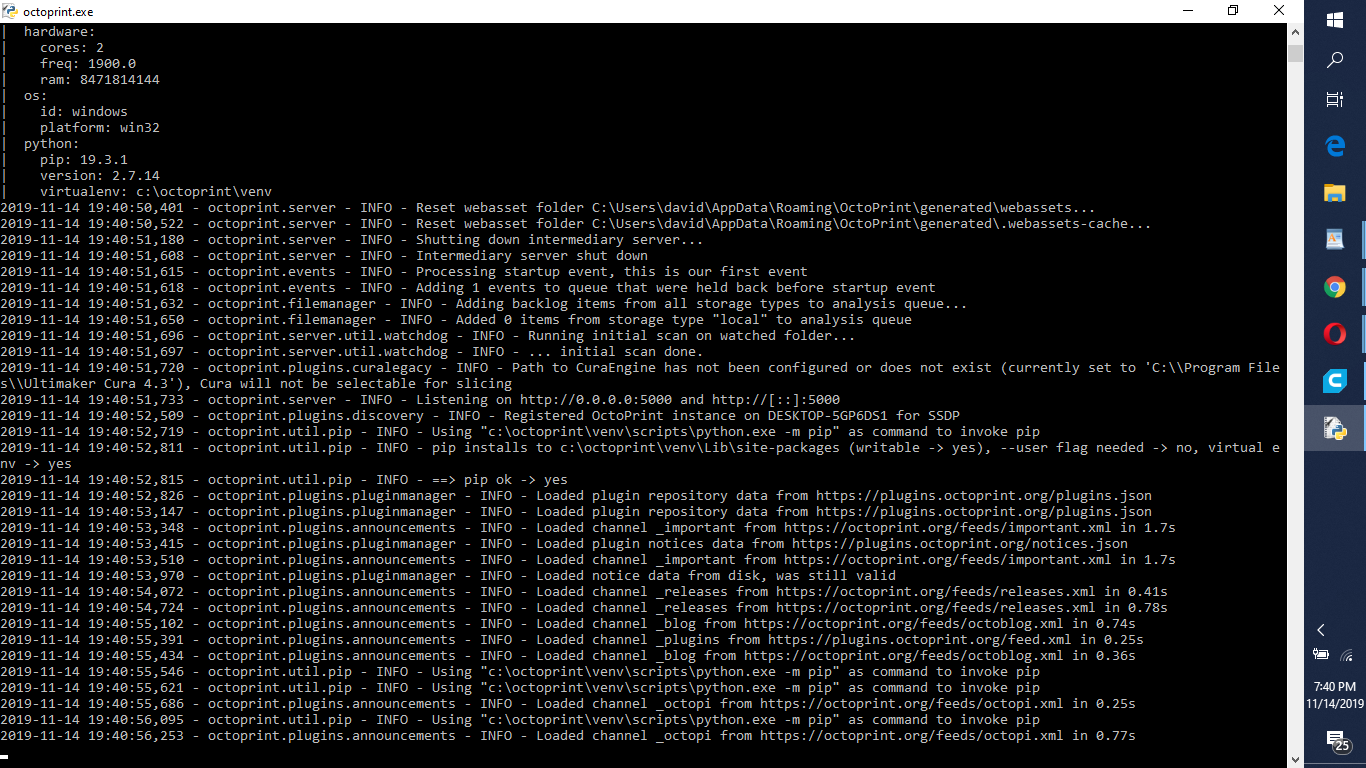
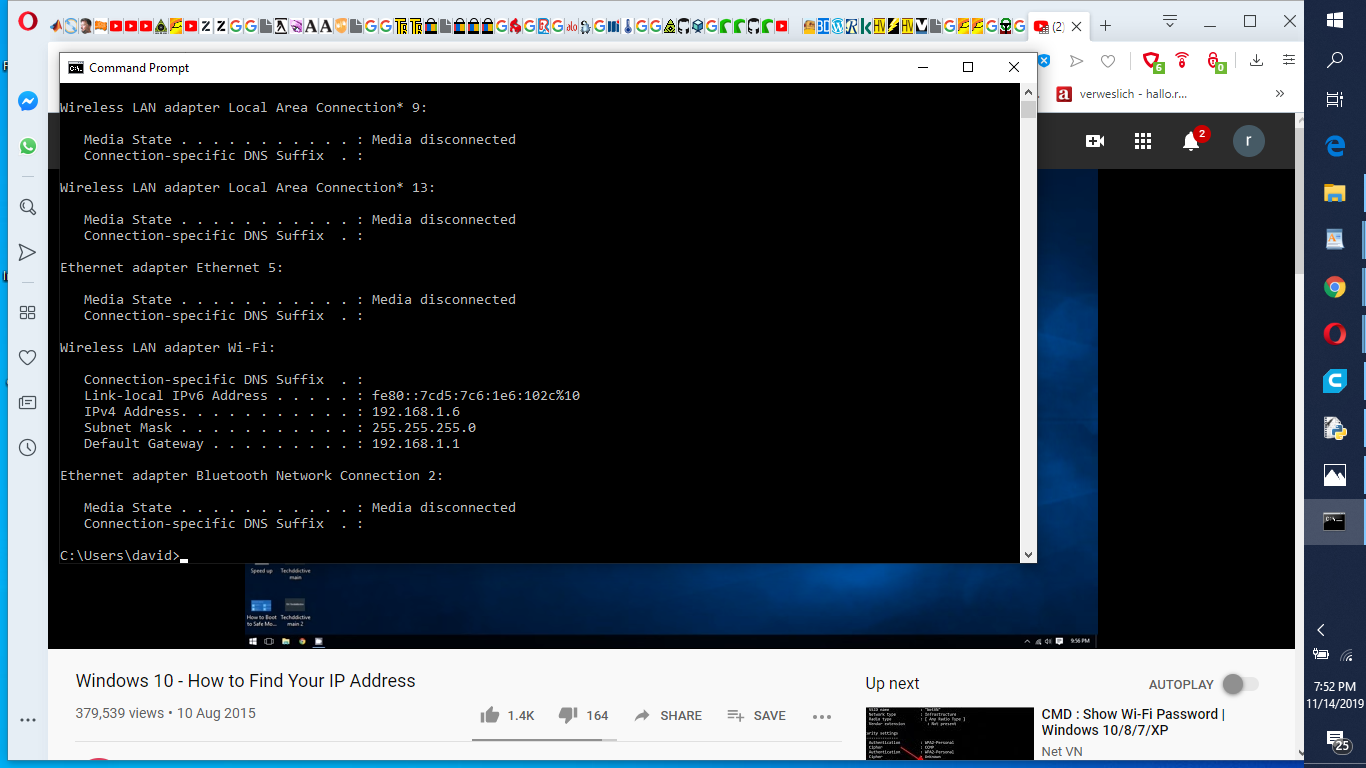
This confuses me more than it answers questions. The "OctoPrint around the World" link does not contain installation instructions. The RepetierIntegration link is not about OctoPrint at all. The external IP address (86.120.xxx.xxx) is irrelevant, and it is not the greatest of ideas to post your IP address like that if you don't know what you are doing.
From your other screenshots, I gather that you are running OctoPrint on Windows, correct? In that case, do try 5000 as the port in Cura and uncheck the "use https" checkbox. If you run Cura and OctoPrint on the same computer, you can also try 127.0.0.1 as the address for the OctoPrint instance in Cura.
i run Cura and Octoprint on the same laptop,windows. fossel do it that instalation on windows step by step , and i do it too. what else can i say.somewhere i have something between cura and octoprint. i give a try .
Ok. Forget anything you read about the RepetierIntegration plugin for Cura. Repetier Host is a different printer host server. By default it runs on port 3344 (without HTTPS!). OctoPrint runs on port 5000 by default (again: without HTTPS!). Someone named VMaxx took my plugin to connect Cura to OctoPrint and changed it to connect to Repetier Host. That is why there is a lot of shared terminology. But there are important differences too, so blindly following "solutions" for that other plugin will probably not work for this plugin.
Unless you installed and configured a "reverse proxy" and an "ssl certicifate", do not select the "use https" checkbox.
1 Like
from there i do it and try it. to delete all this octoprint and reinstall from where you will telling me?
how long takes this cheking the API key? 1,2,3 or more minutes?
There is no need to reinstall anything just yet.
First try opening the web interface in your browser on http://192.168.1.6:5000 and tell me if that works. If it doesn't, then your problem is not with the OctoPrint connection plugin in Cura, but with installing OctoPrint.
i log it in. is working. the log in i do it few minutes ago in chrome too, now i'm on ophera.
there are updates marlin and i updated but the server not started automaticlly, and said i must restart manually.