I'm having to answer the same question in multiple places, multiple times a day, so I guess I need to do some explaining.
An updated version of the OctoPrint Connection plugin is needed for Cura 4.2 and 4.2.1. This updated version of the plugin has been submitted to the Marketplace, but at this time is still awaiting approval. For the time being, you can download the version that is compatible with Cura 3.5 all the way to Cura 4.2.1 here:
Download the file and drop it onto a running Cura application window. Then restart Cura.
An updated version of the plugin, compatible with Cura 4.2 and 4.2.1, is now available in the MarketPlace.
Each version of the OctoPrint Connection plugin has an built-in check to see what version of Cura it is running on: It specifies a minimum and maximum version it is compatible with. I check the plugin with each released version of Cura before submitting a version that is specifically marked as compatible with that version of Cura. I started doing this more than a year ago because on multiple occasions the plugin got the rug pulled from underneath it by changes to Cura between versions; at more than one point, having the previous version of the plugin installed with the new version of Cura would have stopped Cura from starting, even leading to certain versions of the plugin having to be specifically blacklisted in Cura.
I normally try to update the plugin during the beta period for a new version of Cura, so that the updated version of the plugin is available through the Marketplace when the stable version is launched. In this case I submitted the updated version a week before the launch of the stable version. Unfortunately, the time between the launch of the beta and stable versions of Cura is a busy time for the Cura team, so approval of new plugins sometimes gets delayed. There was an additional issue with the "contributors portal" where new versions of plugins are submitted which has further delayed the release of the updated plugin.
I will discuss with the Cura team if my additional compatibility checks are still necessary so this hopefully will no longer be an issue going forward.
Hello FieldOf View,
Thanks for taking the time to update this thread and for working so diligently on the plugin. I have an idea (which may or may not be possible). If it only a versioning issue, I think it would be helpful to put that in the plugin description in the market place ("tested and compatible with Cura x.x.x"). That way you could avoid these same questions int he future.
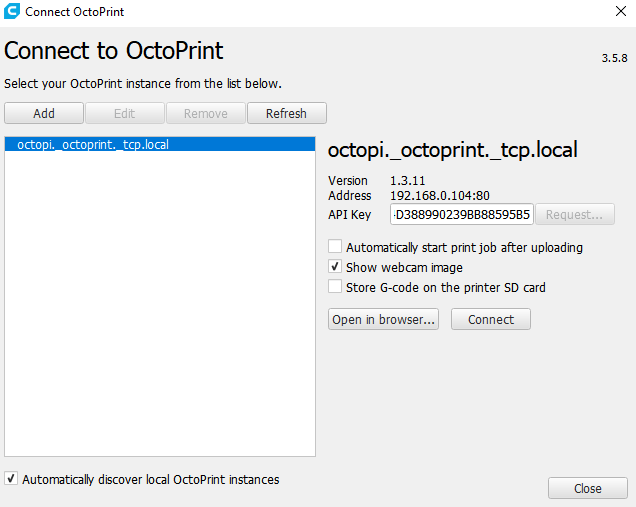
I downloaded Ultimaker Cura 4.2.1 a couple of days ago. It said there was an update to OctoPrint Connection so I updated it and the version number says 3.5.8. Is this the latest and greatest?
Hello,
First of all thanks for making our life more simple with this plugin!
I have cura 3.6.0 that works with the plugin.
I have installed cura 4.2.1, added updated to latest octoprint plugin but nothing happens when I click connect. If I click open in browser it work. I couldn't find the location of the log from cura.
Can you please support me with this.
Could you check if after pressing Connect, you aren't actually connected to the printer? I think the button may have just lost its ability to close the window, but it is still having the correct effect of actually establishing the connection.
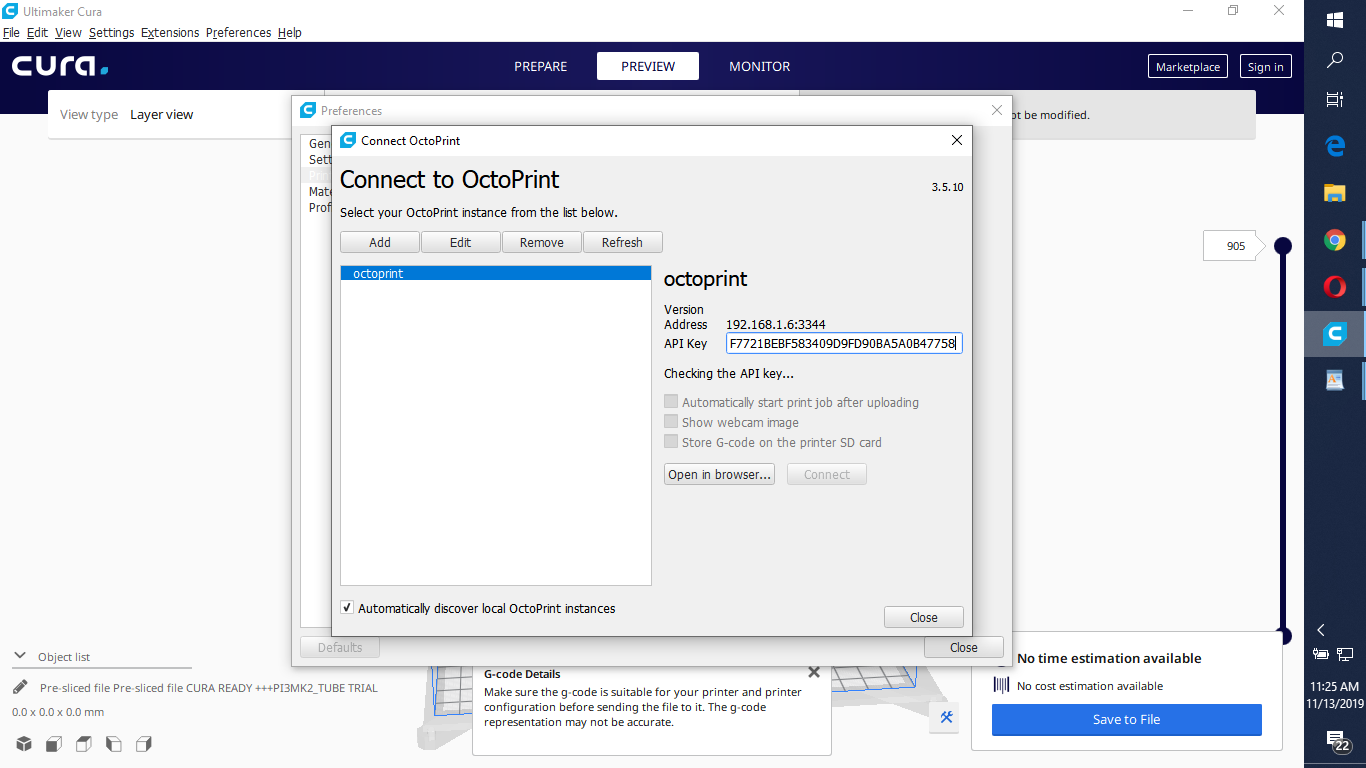
hi.in cura 4.3 the checking the API key... is not finishing never to connect with octoprint. any idea what to do and where,a step by step information,i'm new to this kind . thanks.
If you use port 5000, make sure to unset the "use https" checkbox. Port 5000 is the "native" octoprint server port and it should be used with http, not https.
And if you are using OctoPi (which you haven't specified but is the most common form) it'll have to be 80 because 5000 is not open on the network.
In general I'd advise you @roland78 to be a bit more forthcoming about your setup here because right now it's pretty much impossible to help you considering that we no pretty much nothing but "can't connect from Cura". To what version. How installed. On which kind of network setup. Etc etc. Information. We need it.