ahh cool, i think i updated all stuff as of today, will i have this new version ? or do i have to do something special to install it ?
im not a big buff on linux just know what ive been told etc etc
thanks
dave
ahh cool, i think i updated all stuff as of today, will i have this new version ? or do i have to do something special to install it ?
im not a big buff on linux just know what ive been told etc etc
thanks
dave
Note that @OutsourcedGuru may well be correct, so check that too.
To install the new version, follow these steps AFTER reading this guide:
Make sure you also follow the steps for enabling the raspberry pi camera after you install and reboot. It takes a bit of effort, but I have outlined all the steps in the guide. Definitely also look into enabling automatic slicer settings, it is well worth the effort and may work out-of-the-box depending on your slicer (see special setup for Cura and PrusaSlicer/Slic3r variants).
Of course I'm correct. ha
But he threw away his primary filter so he's going to need your plugin for this.
hahahah
scouring my desktop as we speak
i recall pulling it off, but where did i put it argghhh
on a side note @FormerLurker
i followed that guide on my previous install, do i need to red it ?
as the camera is showing up now 
dave
You only need to follow the guide once
once was good enough, your new settings worked 1 million percent for me
i cant thank you enough, both of you for your help here, greatly appreciated.
if your into video games old and new and are ever in leeds, come by my work (ARCADE CLUB LEEDS) and ill be sure to let you both in for some gaming
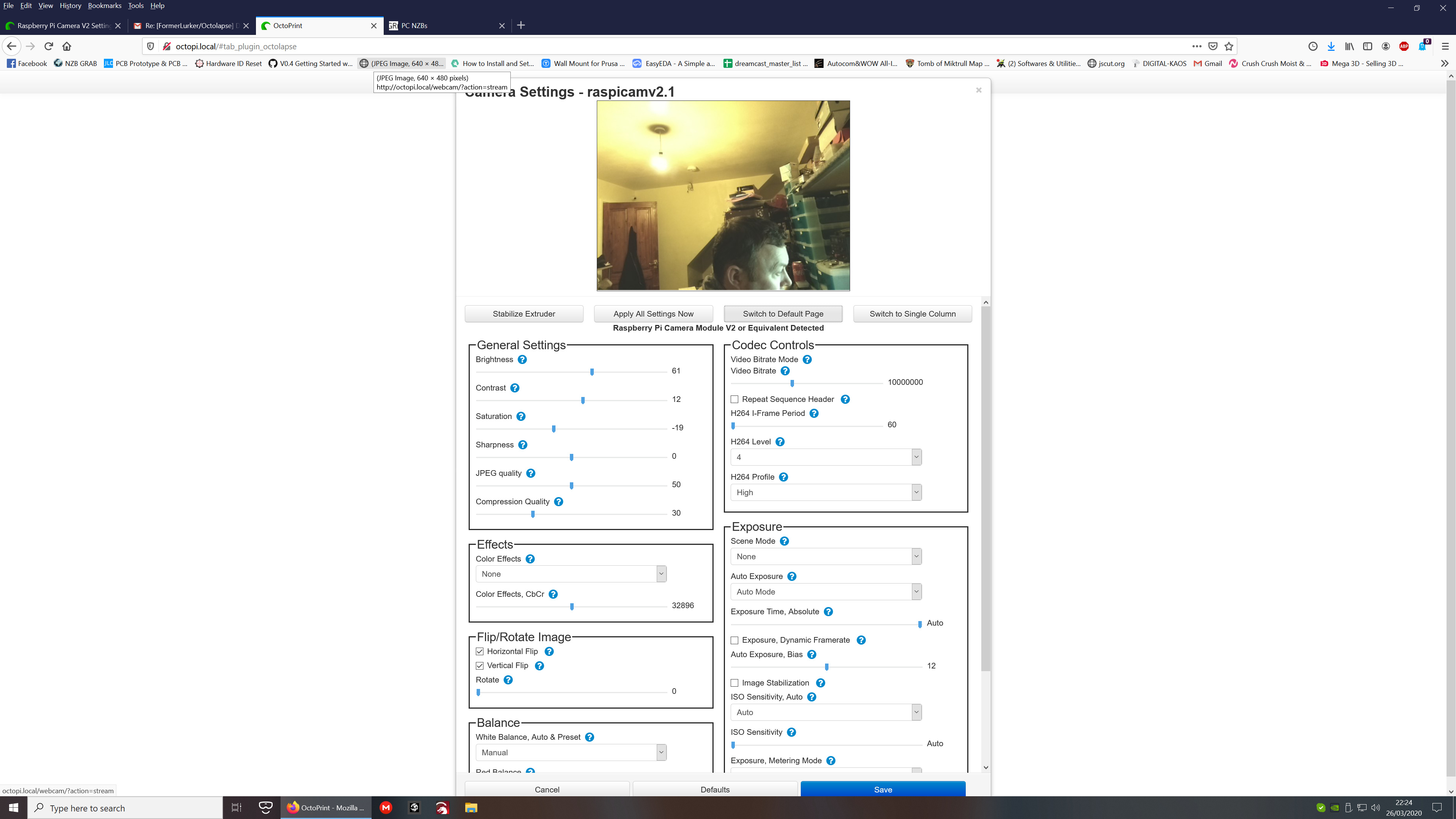
now to check my camera resolution
can i do this from within octoprint, or do i need to ssh into the pi to do this ?
thanks again
dave
That looks AWESOME! If I'm ever in the area, I will be sure to stop by.
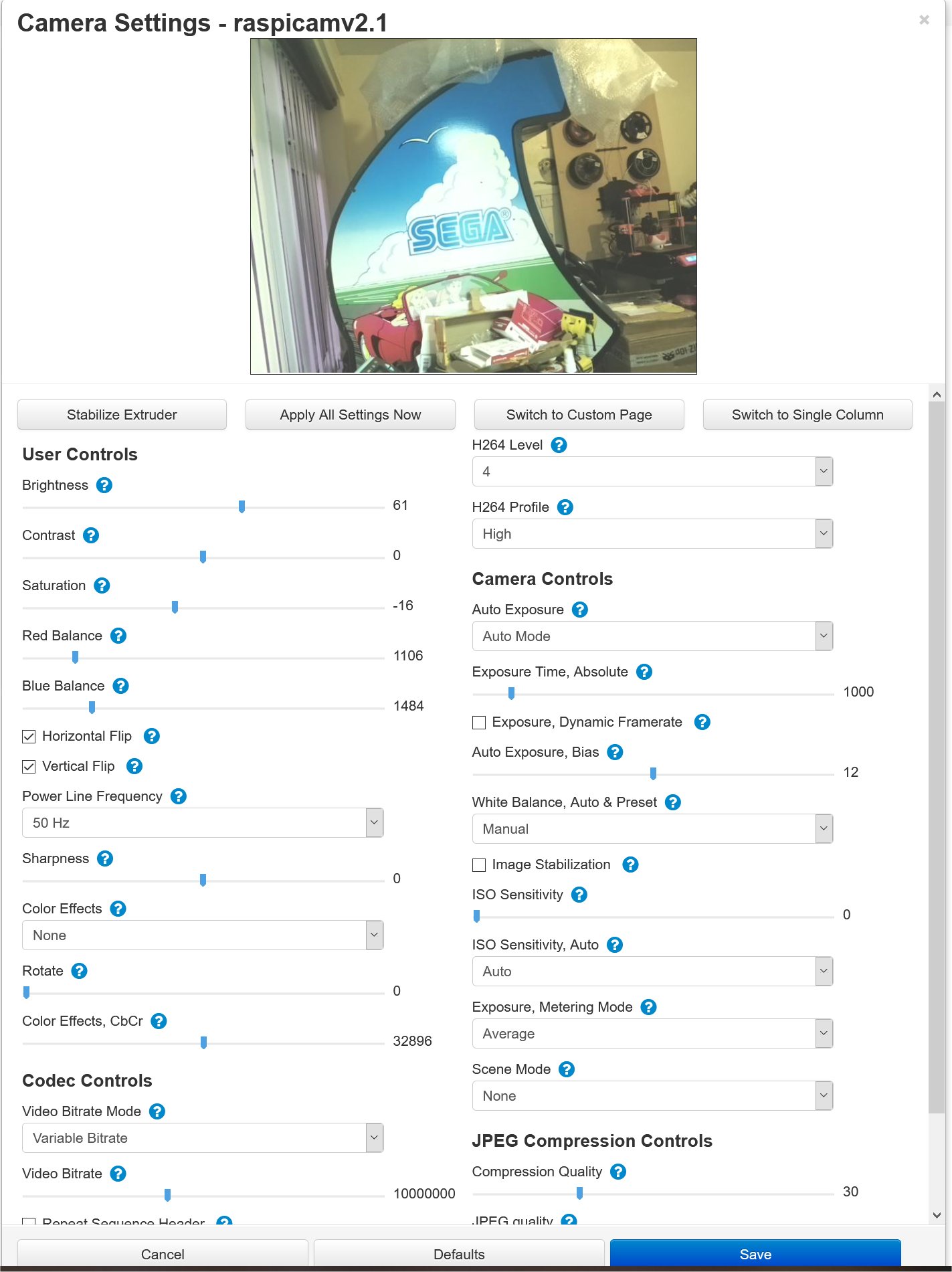
Also, click 'Switch to Custom Page' for a better experience. The RPI cam settings need to be applied in a particular order, and some settings rely on other settings to work properly. The custom page has all (most??) of that stuff built in.
when i click switch to custom page i get an error message lol
there is no custom control for your webcam at the moment
lol
Also
Prusa MK3S
is not in your drop down list of printer profiles mate
Do me a favor and go to this link:
http://{IP_OF_PI}/webcam/input.json
Paste in the results at gist.github.com and create an issue here. Don't worry about filling out the template, but give it a good title and a brief description.
I can make the custom page work probably, but it will take an update. Now's the time.
ok i posted the glist as DAVE11674 settings
the other page not sure what ive to do lol
i pasted the results in there also and named it DAVE11674 raspicam no custom page
dave
You pasted the input.json into the issue, which is fine. Gist is a place you can post relatively large files, which keeps the issue clean. input.json isn't so large that it's a big deal, but you can imagine what it would look like if one pasted in a 100MB log file
Anyway, I'm going to take a look at this soon, and will continue the discussion over on Github.com. Thanks for helping to improve the plugin!
So many quarters and I parted ways because of these as a kid. (No regrets.)
hi guys, ok im pretty much just about to start a octolapse
but my focus seems a little out on the object i placed on the center of the bed
i cant for the life of me find the focus control lol
OK
so i figued to twist the lense of the camera and got it focused
now on to and other problem
when i do octolapse and its set to capture on Z change
well its taking a screenshot
but its not changing layer
Z is not stepping up to the next level and just tries to print layer 2 where layer 1 is
hope your following me lol
dave
The Pi NoIR V2 comes out-of-the-box with infinity focus. As you discovered, twisting the lens will change this.
You might want to search some of the other forum entries on here for Octolapse settings.
ok thanks mate
on another level
i disabled the octolapse plugin and the fault has gone away, but kinda defeats my purpose of wanting to do teh timelapse videos lol
dave
You can still do Timelapse, just not the fancy ones that OctoLapse can do.
nooooooooooooooooo lol
i must have the nice fancy smooth ones
i will erase and reinstall the octolapse plugin
see if that does anything for me
thanks
dave
The Octolapse plugin author is active both in these forums and on [github].(https://formerlurker.github.io/Octolapse/)
Open an issue there and I'm sure some solution can be found.